The Canfield Solitaire app
In brief
Available on the App Store (iPhone and iPad) and on Google Play (Android). The app is played in landscape, with a draw of 3 or 1 cards, a code for each game, and undo for the last 100 actions.
Where to download it
| Platform | Listing |
|---|---|
| iPhone and iPad (App Store) | View on App Store (new tab) |
| Android (Google Play) | View on Google Play (new tab) |
Links checked on October 30, 2026. The app is not available as a desktop version.
What the app does
- Canfield: 52 cards, a reserve of 13 cards, 4 columns, 4 foundations that start at the rank of the base card, ace-to-king wrap.
- Two draw modes: 3 cards ("Hard") or 1 card ("Easy"), chosen in the New game window; 3 by default. The waste pile can be recycled without limit.
- Game code: each deal has a code (for example CF1-D3-AAAAACL) that you can copy, paste or enter to replay the same deal or share it with someone.
- Undo the last 100 actions; take back a card placed on a foundation.
- Statistics: games, wins, streaks, times, moves and score, and a ranking of your 10 best results.
- Appearance: 4 tablecloths (sage green, slate blue, plum, sand), 5 card back colors, light or dark theme; 36 languages.
Phone and tablet
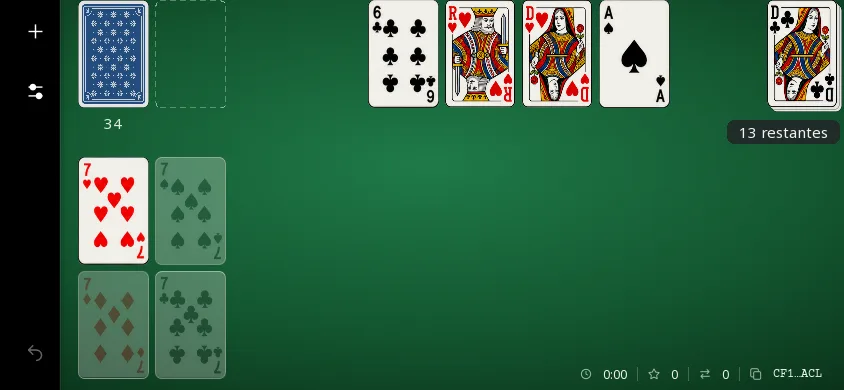
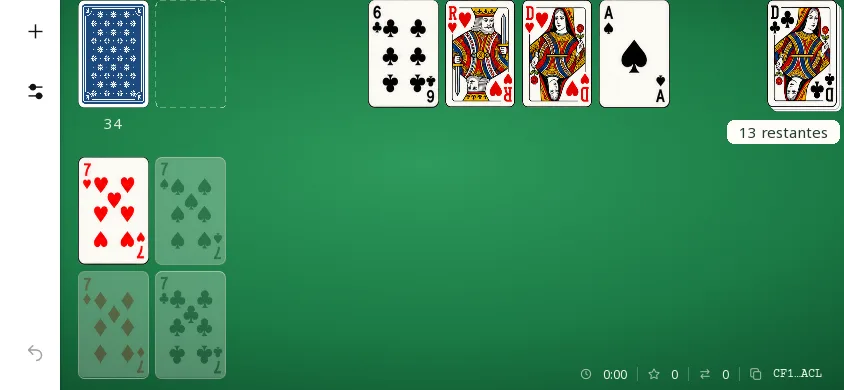
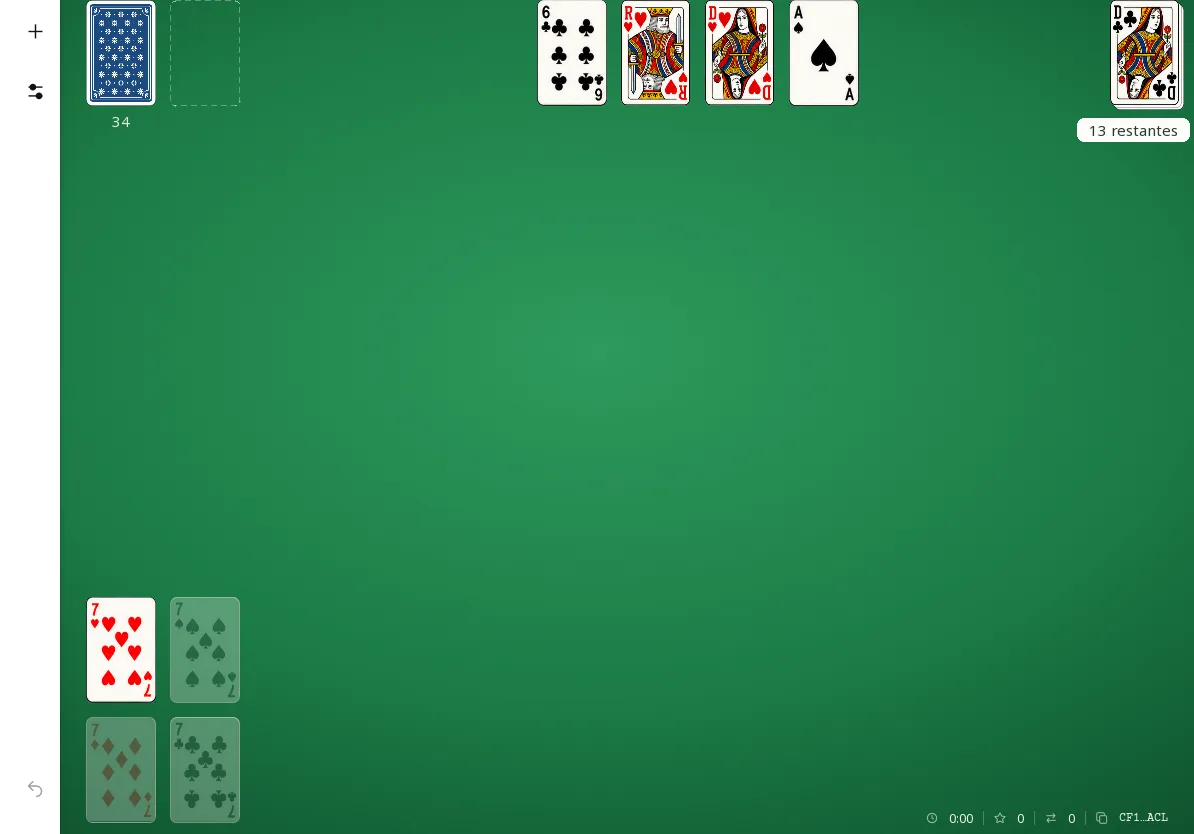
The images below are screenshots of the current app, at the size of each screen: 844 × 390 pixels for the phone, 1194 × 834 for the tablet, without enlargement.
In dark theme